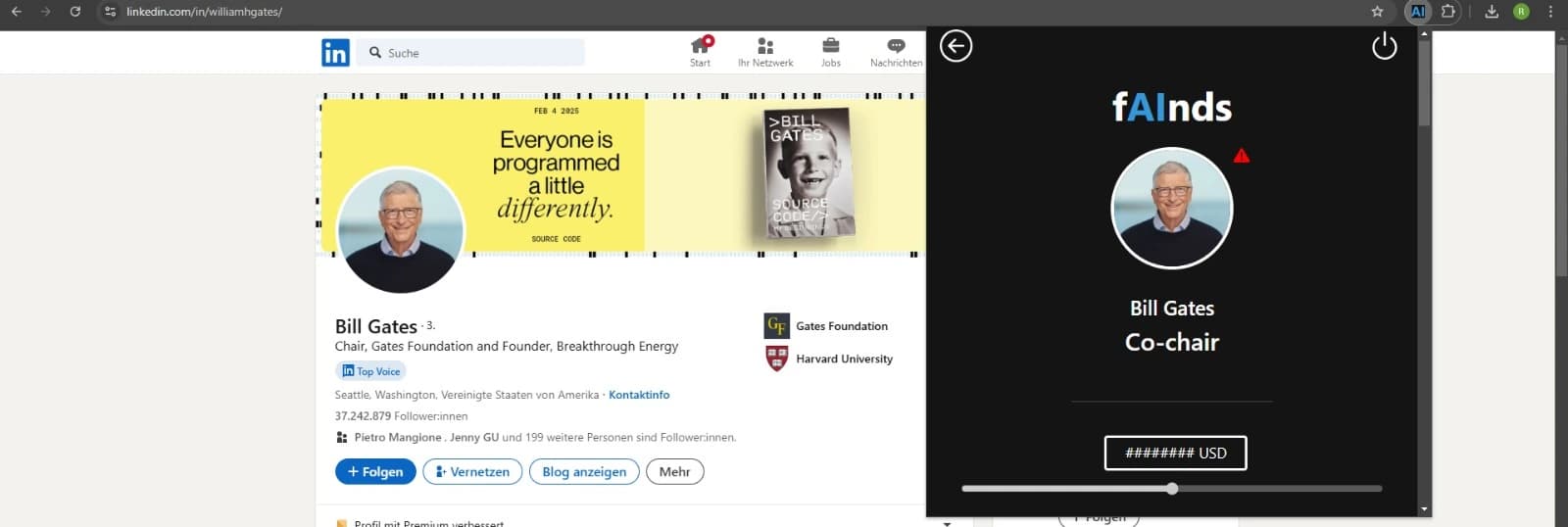
Manual Download and Setup of the Plugin
Please follow this guide if the installation through the chrome web store is not possible.
Instruction
Extract Plugin
Extract the downloaded .zip file in the download folder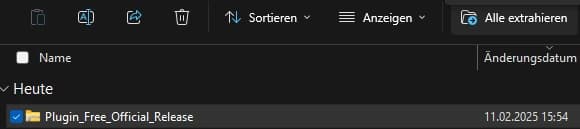
Open chrome://extensions/
At the top right, select More More and then Extensions and then Manage extensions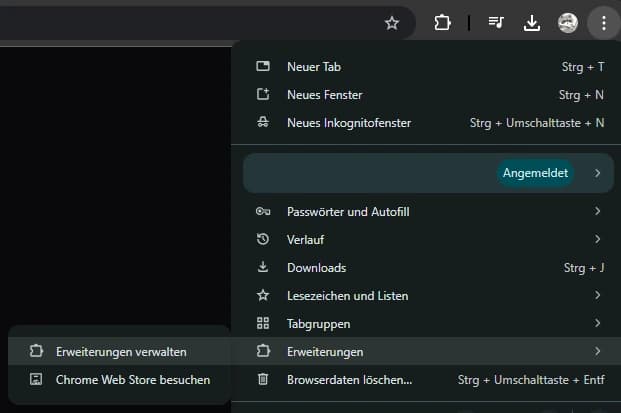
Enable Developer Mode
You should find this in the top right corner of your window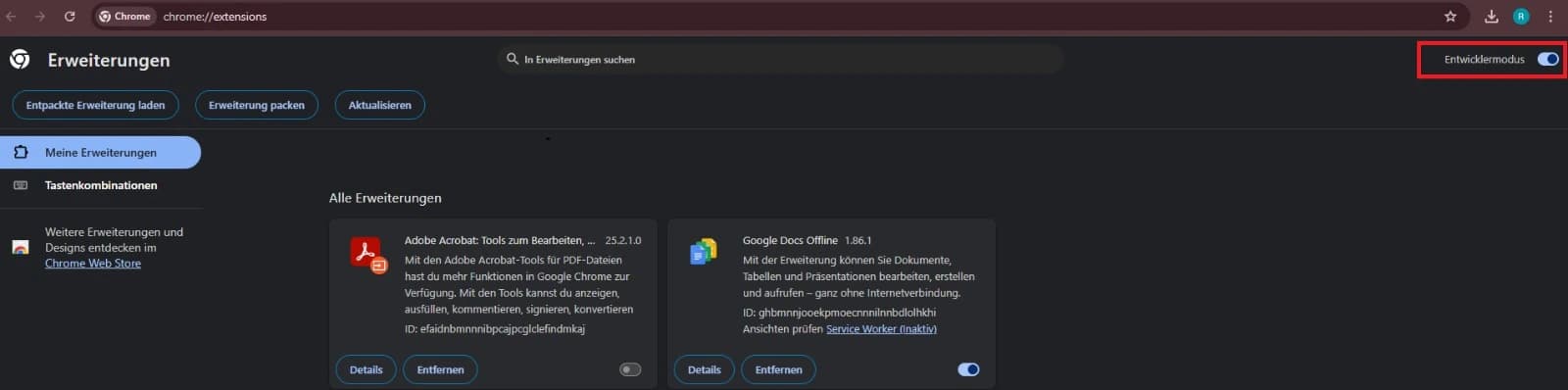
Select 'Load unpacked extension'
You will find this button in the top left corner of your window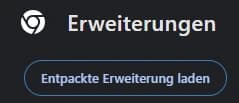
Select Plugin Folder
This folder should be located in your download folder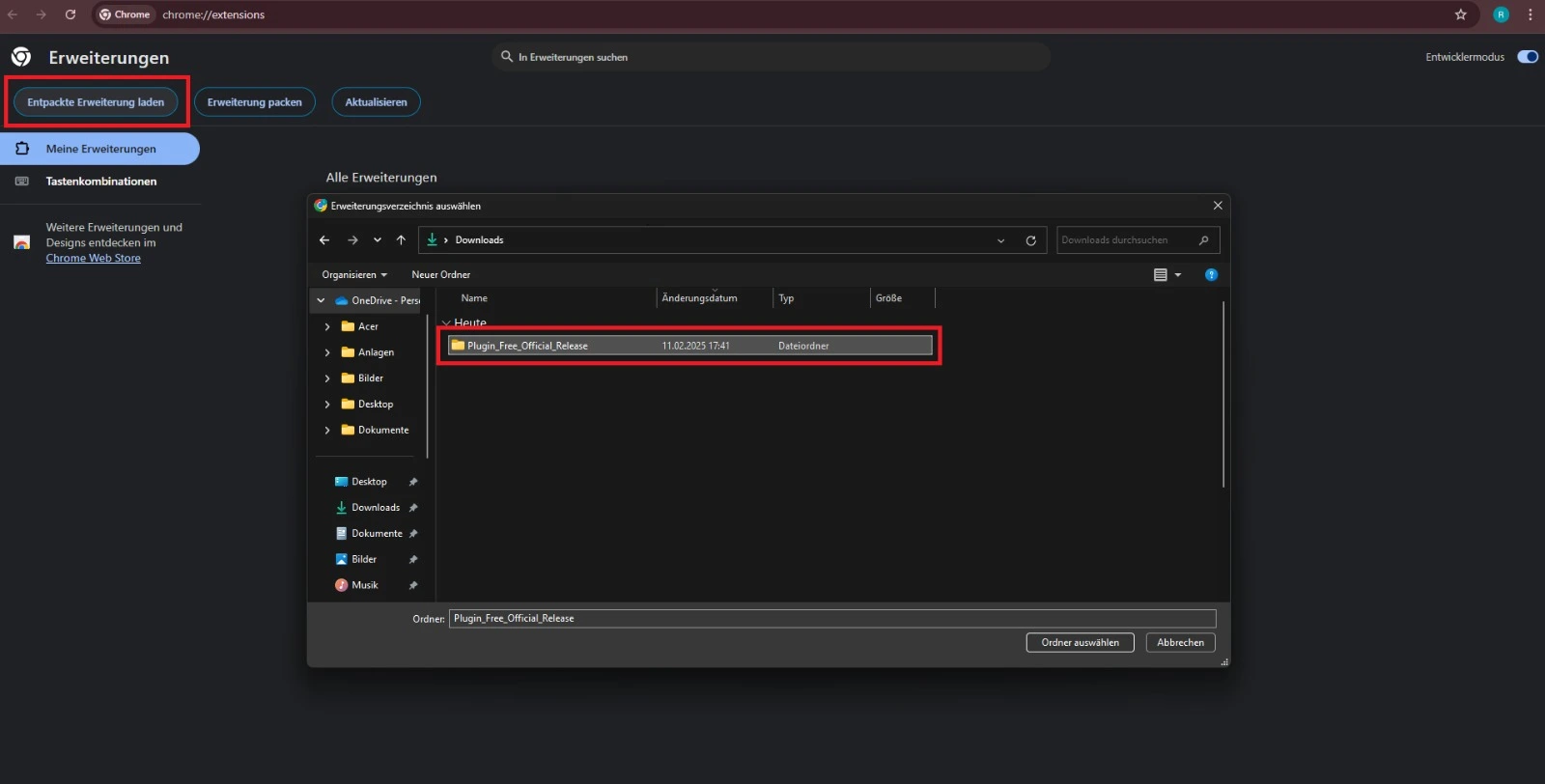
Plugin Added
The fAInds plugin should now be listed in your plugins list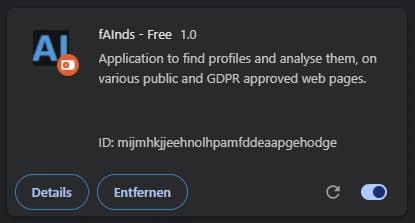
Pin Plugin
First, click on the puzzle icon in the top right corner of your browser. Find the fAInds plugin in the list and select the pin icon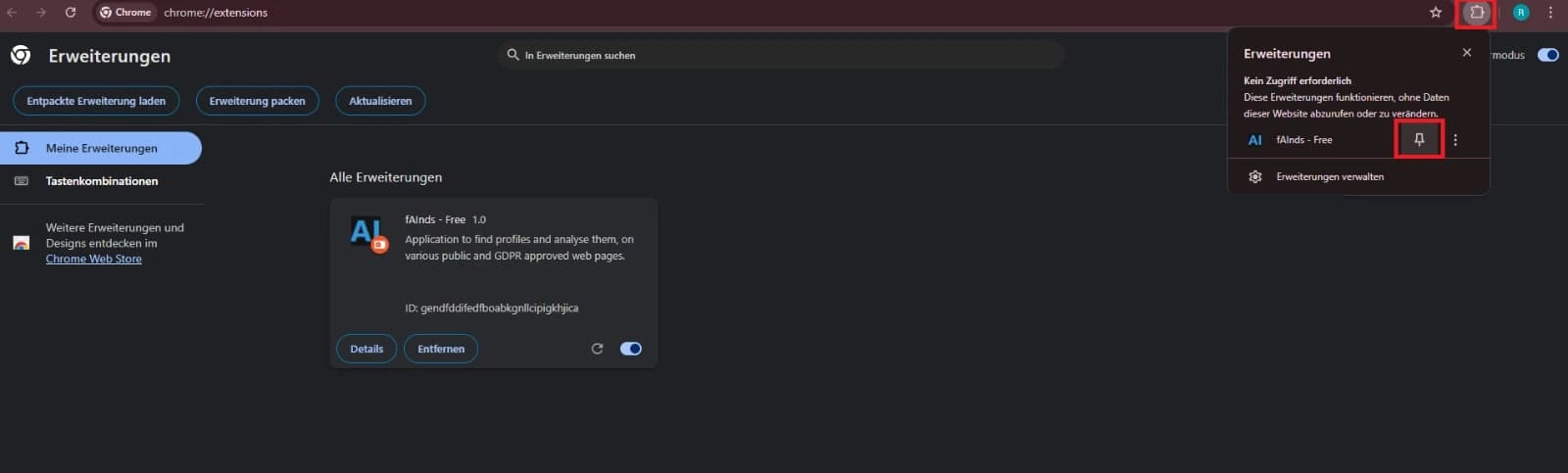
Usage
Navigate to a LinkedIn Profile and open the Plugin. Log in with your creditals.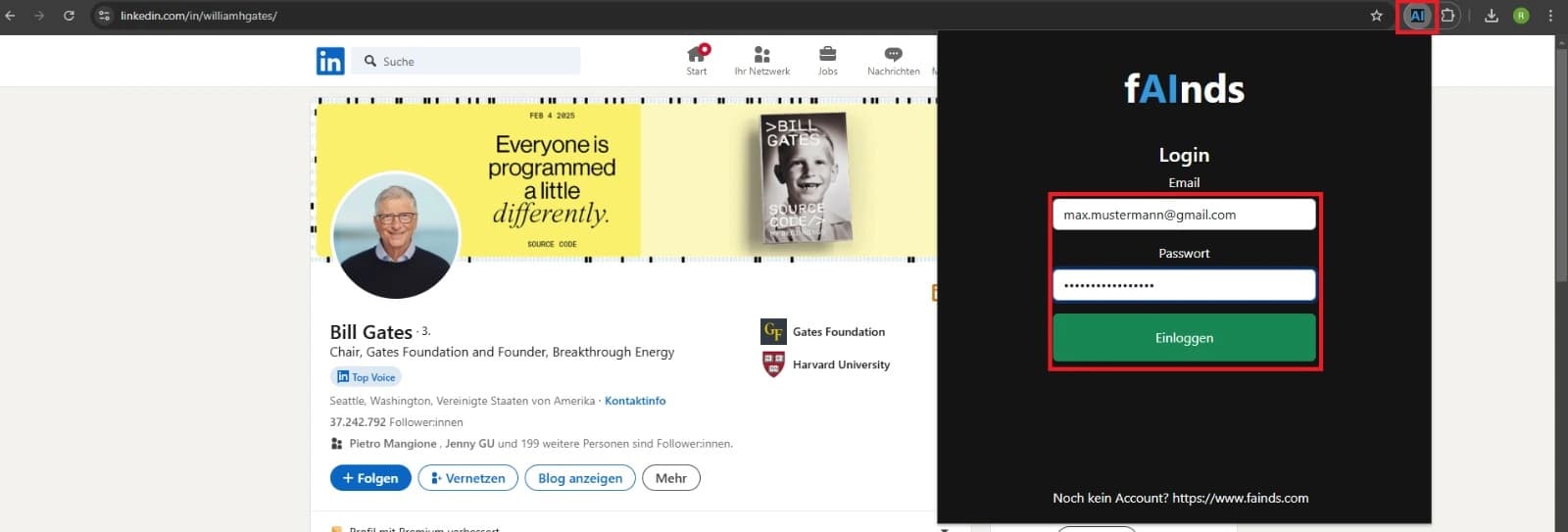
Usage
Click the Icon to the left to start the analysis. This might take some seconds.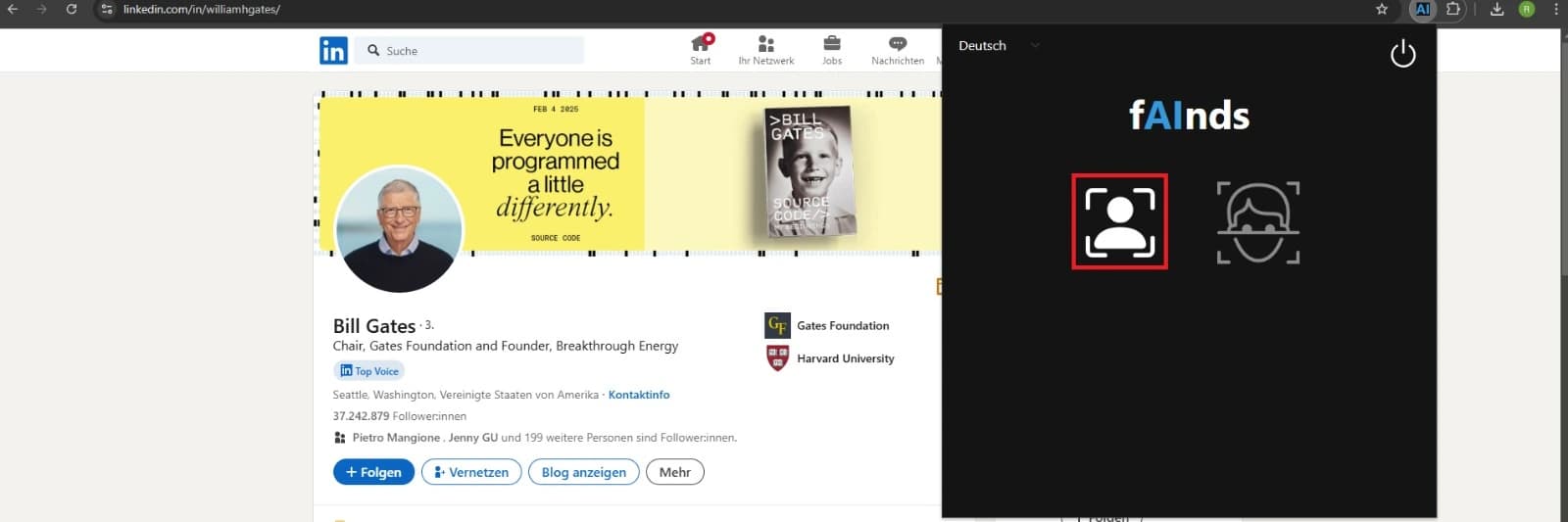
Usage
Look through the analysis and get some valuable insights.